Welcome Screen
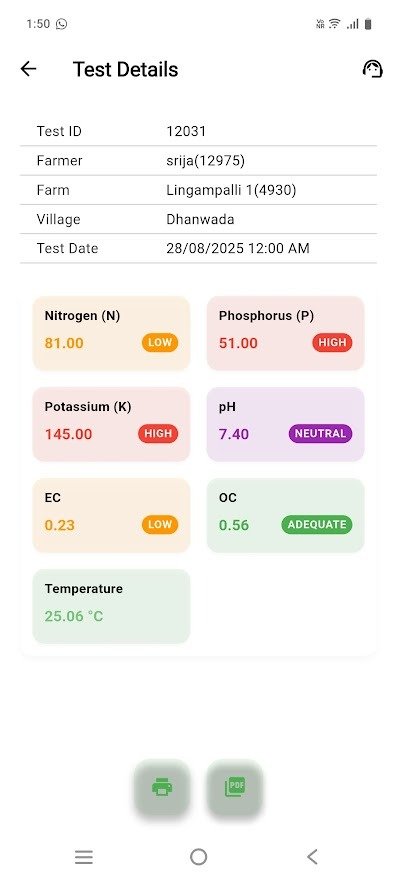
Test Results
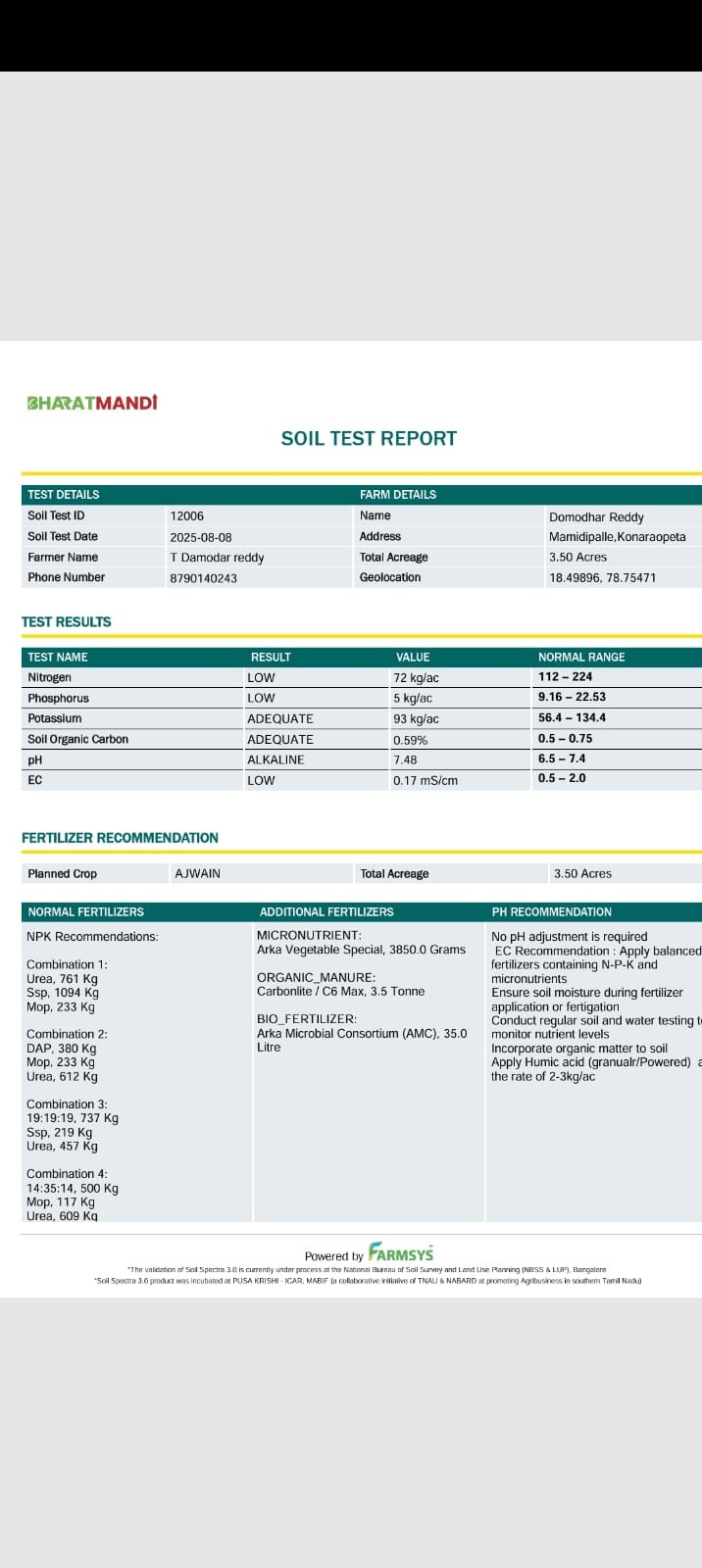
Recommendations
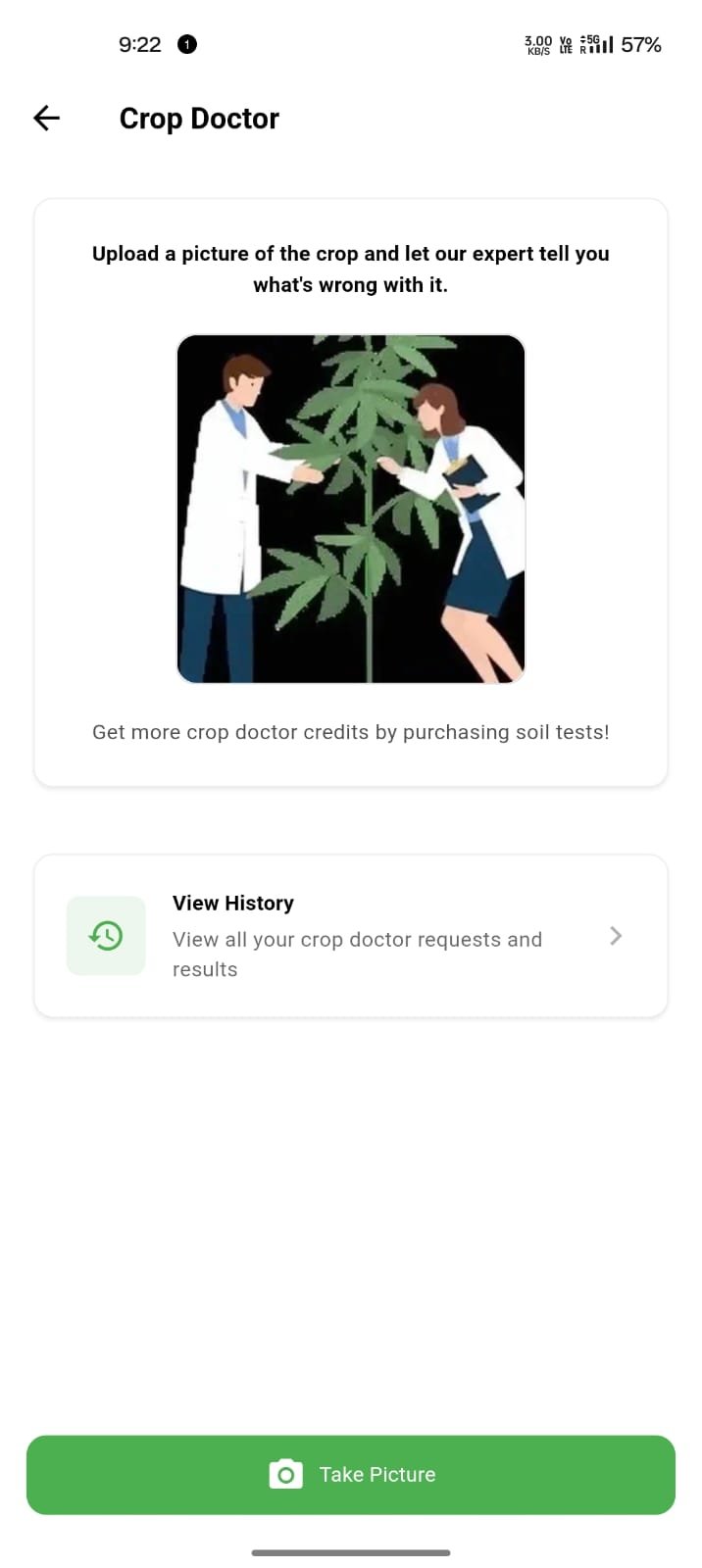
Crop Doctor
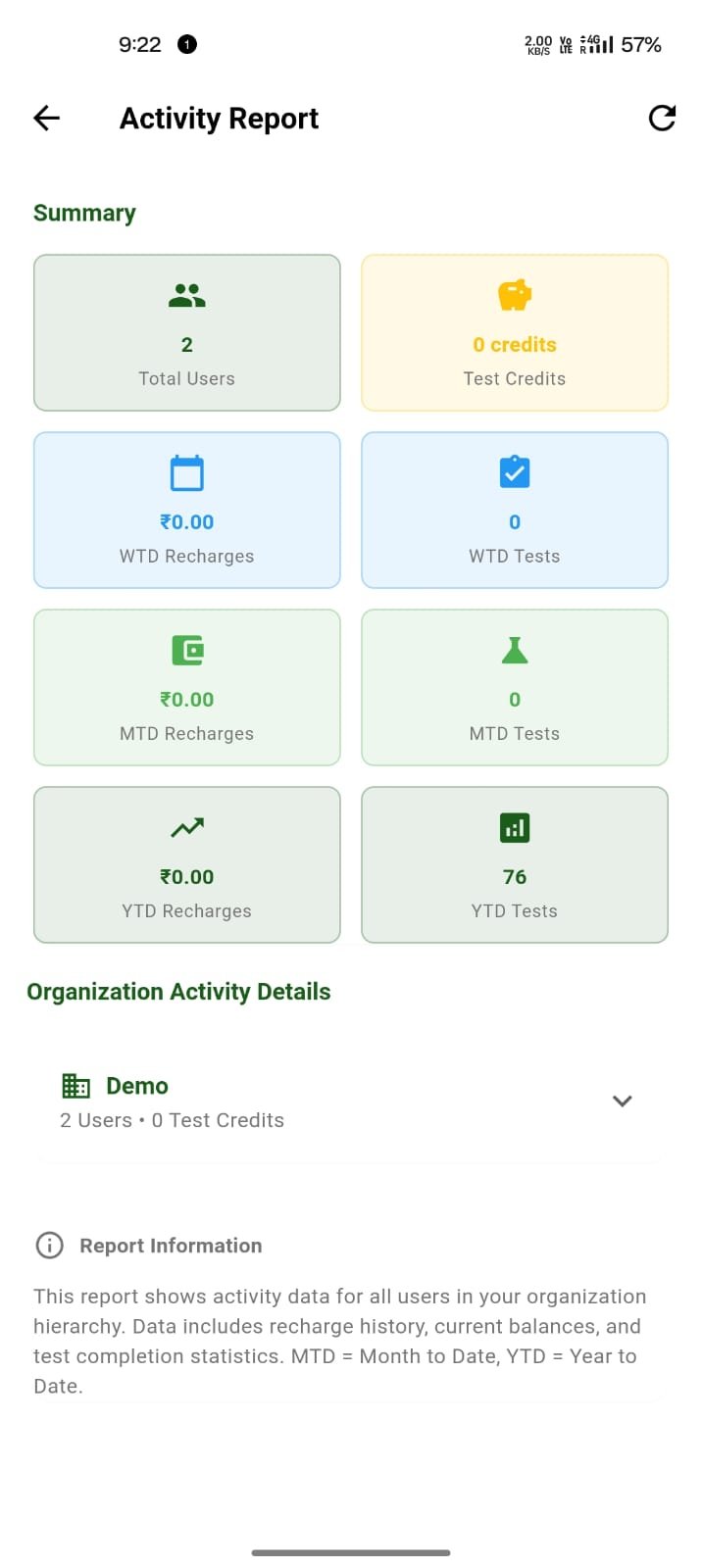
Get the mobile app to start using your Soil Spectra device and access comprehensive soil analysis features.
Download for iPhone and iPad
Available on App Store
Download for Android devices
Available on Google Play
Seamlessly connect your Soil Spectra device via Bluetooth for instant data transfer.
View comprehensive soil test results with detailed nutrient analysis and pH levels.
Get personalized crop suggestions based on your soil composition and local conditions.
Track soil health changes over time with detailed historical reports and trends.
Map your fields and organize soil test data by location for better farm management.
Access agricultural expert recommendations and best practices for soil improvement.
Devices can be remotely locked in case of missed EMI payments, ensuring payment security.
Real-time location tracking of devices for asset protection and monitoring.
Secure digital payment system through wallet recharge for EMI collections.
Watch our step-by-step guide to get started with Soil Spectra
Install Farmsys Spectra app from App Store or Google Play using the links above.
Sign up with your mobile number and complete the registration process.
Pair your Soil Spectra device with the app via Bluetooth connection.
Begin soil testing and receive instant analysis results on your mobile device.
Our support team is here to help you get started with your Soil Spectra device and app.